I’m experiencing some issues with the communication between my Furuno DFF1 and TimeZero Professional.
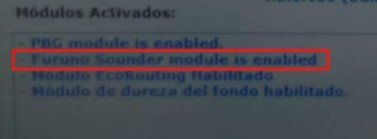
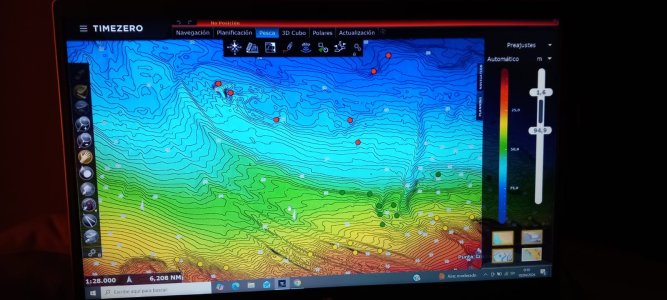
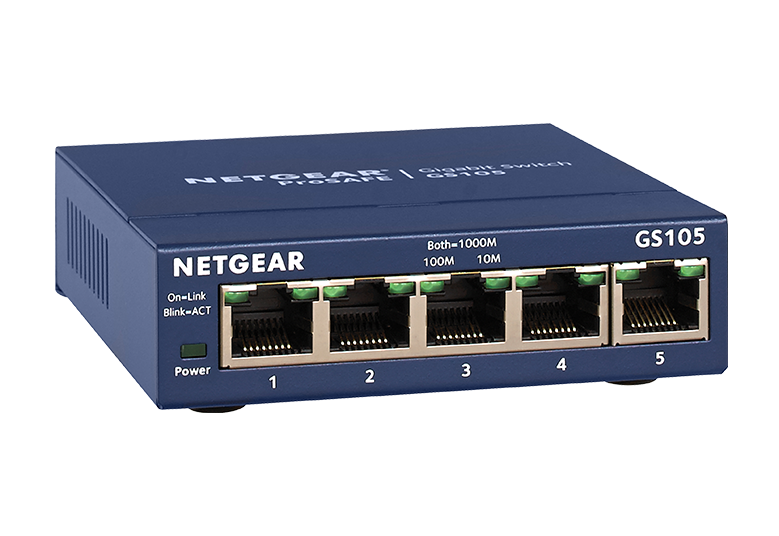
Although the Furuno Sounder module is enabled in TimeZero Professional, I’m unable to see the Sounder workspace. I have connected the DFF1 directly to my PC as described in the manual, but no sounder data is displayed.
I can successfully ping the DFF1 module from my PC, so the network connection seems to be working.
Could someone please advise how to resolve this issue? Is there any additional configuration required in TimeZero to enable the sounder display?
Is there any other software I can use to monitor my DFF1 data on my PC?
I would appreciate a lot some help.
Although the Furuno Sounder module is enabled in TimeZero Professional, I’m unable to see the Sounder workspace. I have connected the DFF1 directly to my PC as described in the manual, but no sounder data is displayed.
I can successfully ping the DFF1 module from my PC, so the network connection seems to be working.
Could someone please advise how to resolve this issue? Is there any additional configuration required in TimeZero to enable the sounder display?
Is there any other software I can use to monitor my DFF1 data on my PC?
I would appreciate a lot some help.